Reference / 5 min read
Global controls and saved projects
Understand clocks, MIDI output, finishes, presets and the controls shared across Aievea Sequence’s views.
Clock and transport
Internal clock uses Aievea Sequence’s tempo and Play/Stop control. DAW / Host follows Live’s transport and tempo; Play seq/Pause seq gates this sequence while Live keeps running. Restart returns the note, expression and automation phases to their starting points.
Setup & Routing provides note restart policies for transport start, incoming notes and periodic restarts. CC lanes have their own policies in Lane settings. Host looping or seeking can restart playback to follow the host timeline.
Use the mouse
Choose Notes, Expression, Automation, Perform or Live Ctrl directly. Select a pattern slot and click a numbered step header to inspect it. Click a value card above the grid to focus its control.
Use the inspector for exact values, the + / R row for restart markers and the visible output/bypass switches. SHIFT latches across mouse clicks; click it again or press Escape to return to ordinary actions. Physical APC Shift works while held.
Keep your work
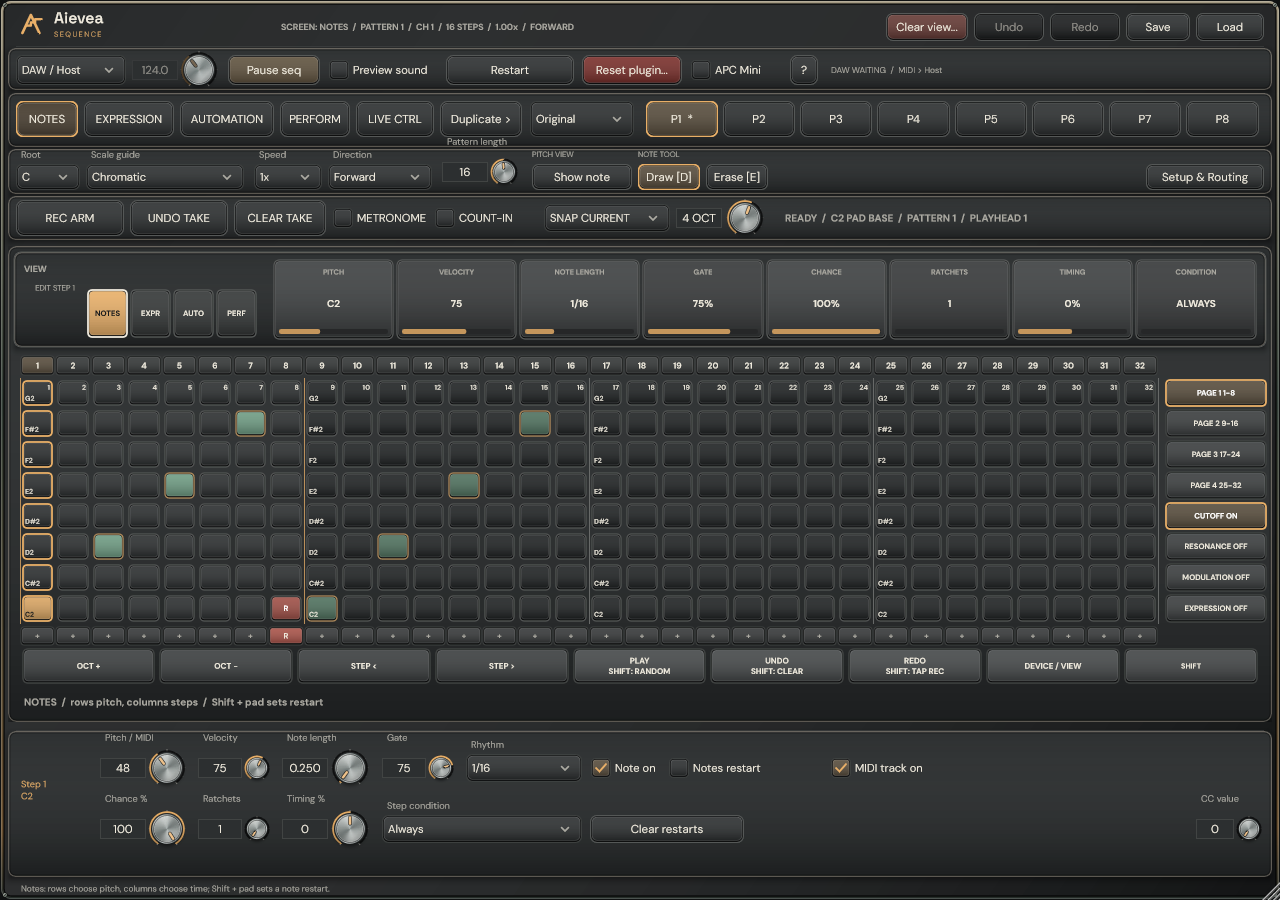
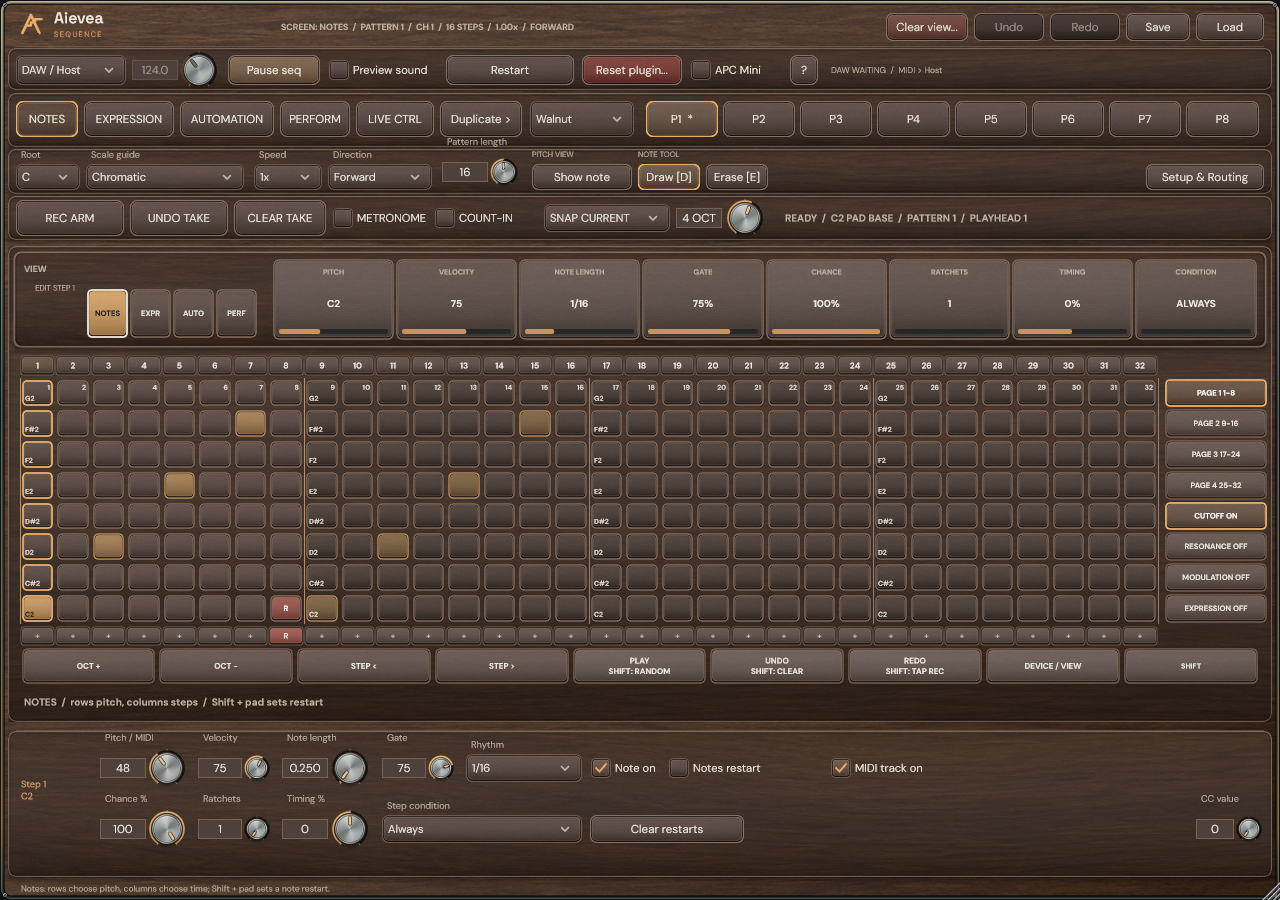
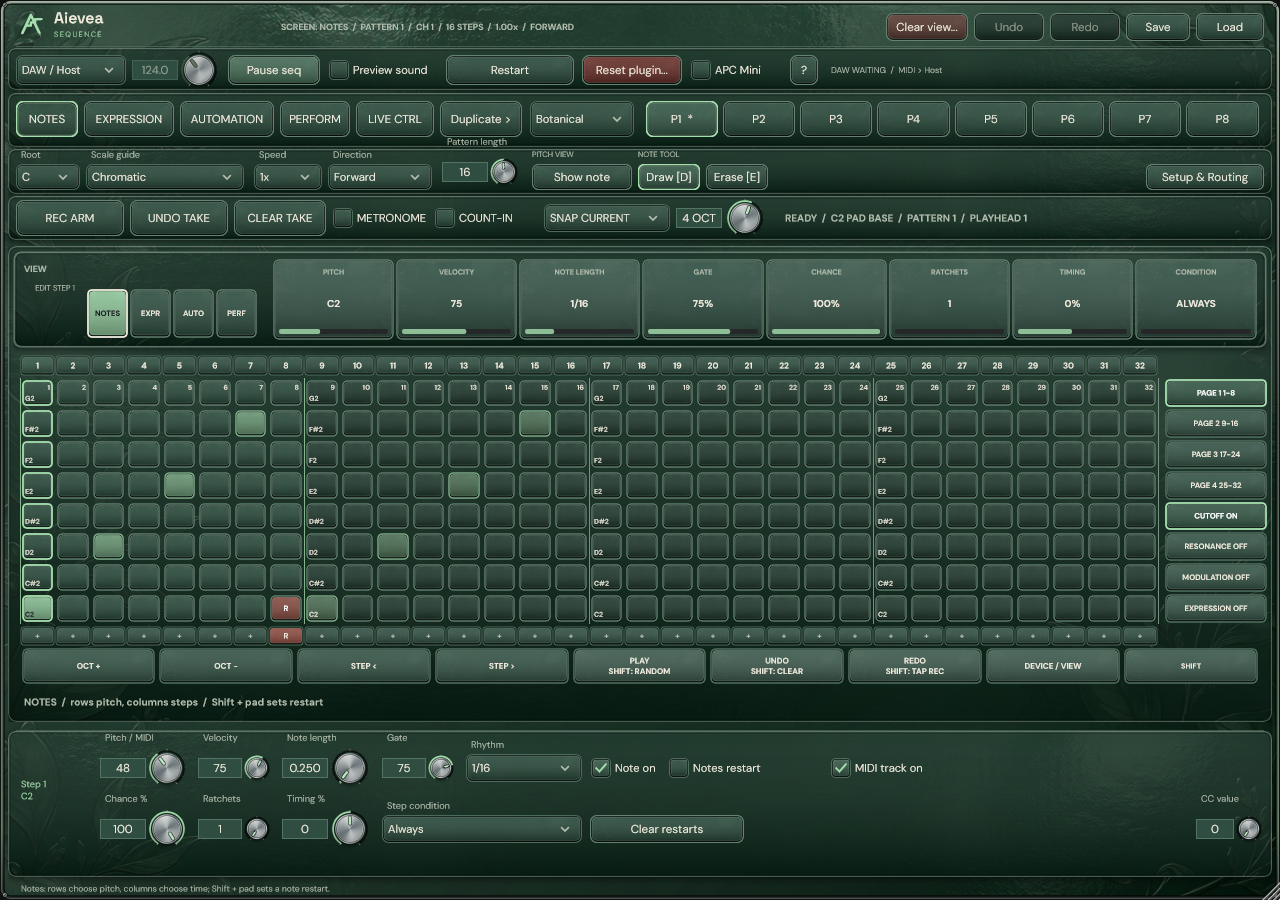
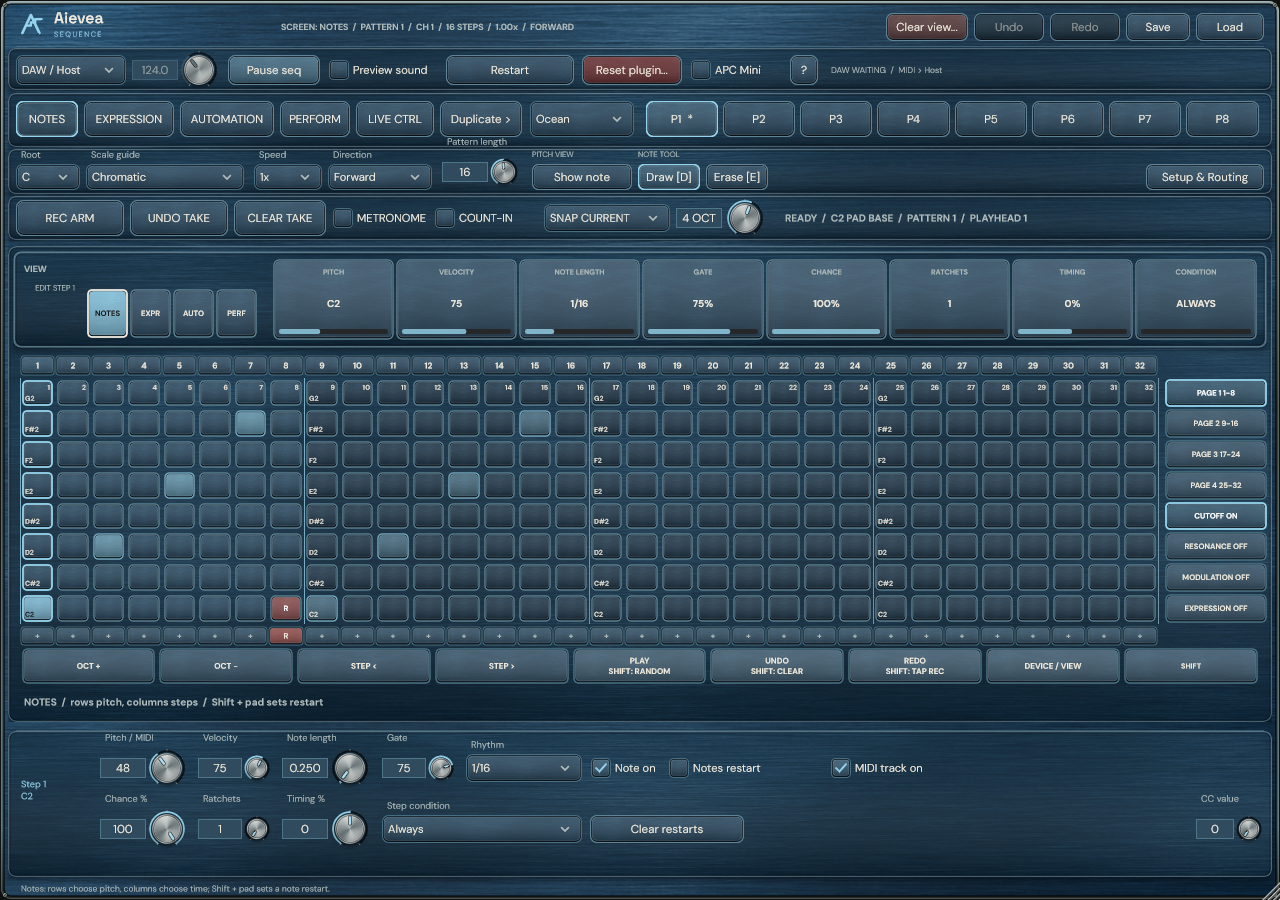
Choose Original, matte Walnut, glossy Botanical or brushed-metal Ocean. The native finish preference saves locally on your computer and leaves the musical pattern unchanged.
Save exports an .aievea preset; Load restores it and remains undoable. Presets and DAW projects retain the pattern bank, expression bypass states, restart points, CC settings and fader labels. Undo and Redo restore complete edits.
Hear and route the output
Enable Preview sound to hear the built-in monitoring tone. In standalone, choose a working audio output and use Internal clock. Automation lanes 1–4 control its filter cutoff, resonance, vibrato and volume; lane 4 at zero is silent.
For your production sound, route Aievea Sequence’s MIDI to a receiving synth and map its CC numbers. The VST3 sends MIDI to the host; standalone can use a selected MIDI output port. Match the receive channel for external hardware.