Views / 3 min read
Live Control: label your faders
Monitor incoming controller values and keep a readable map of the nine APC Mini faders.
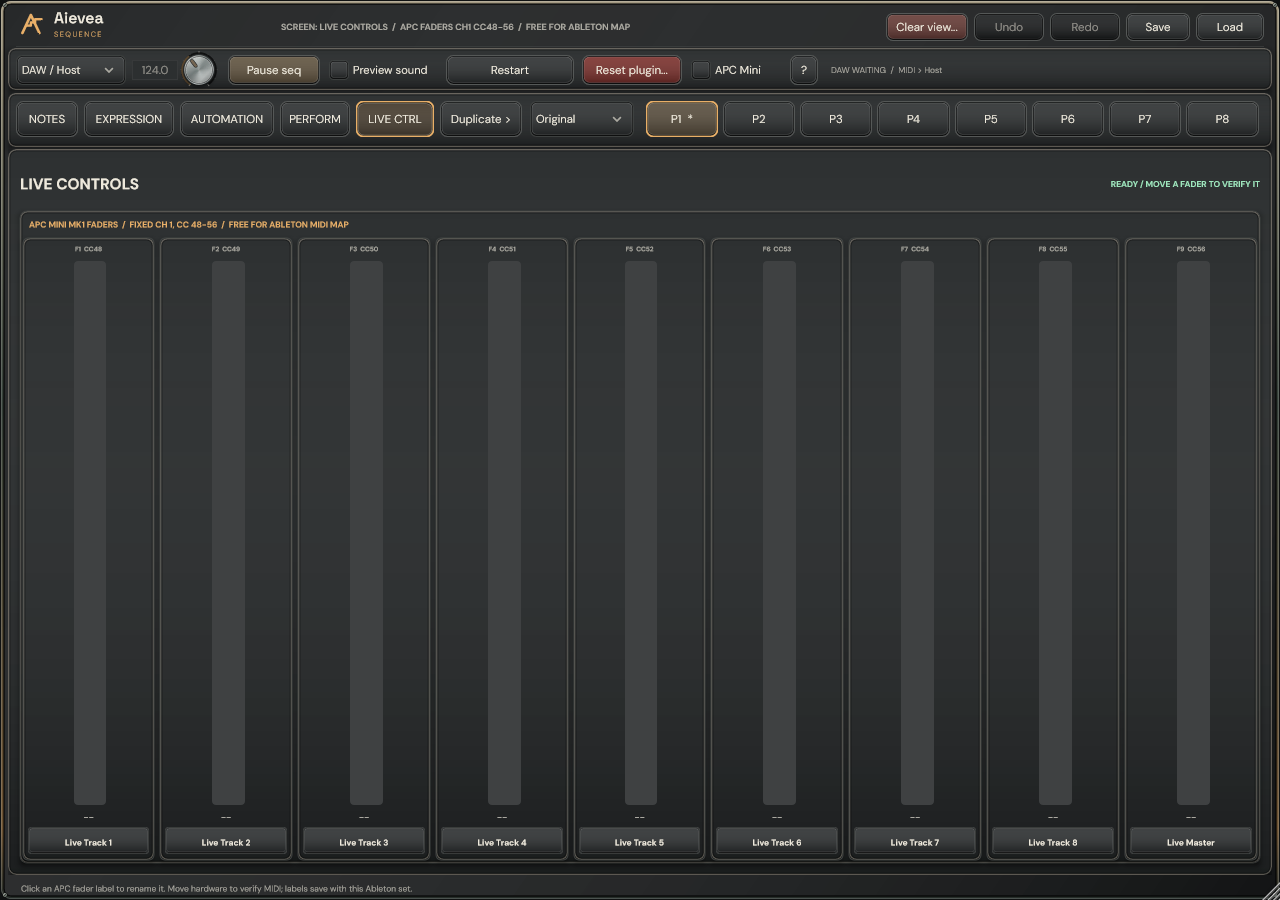
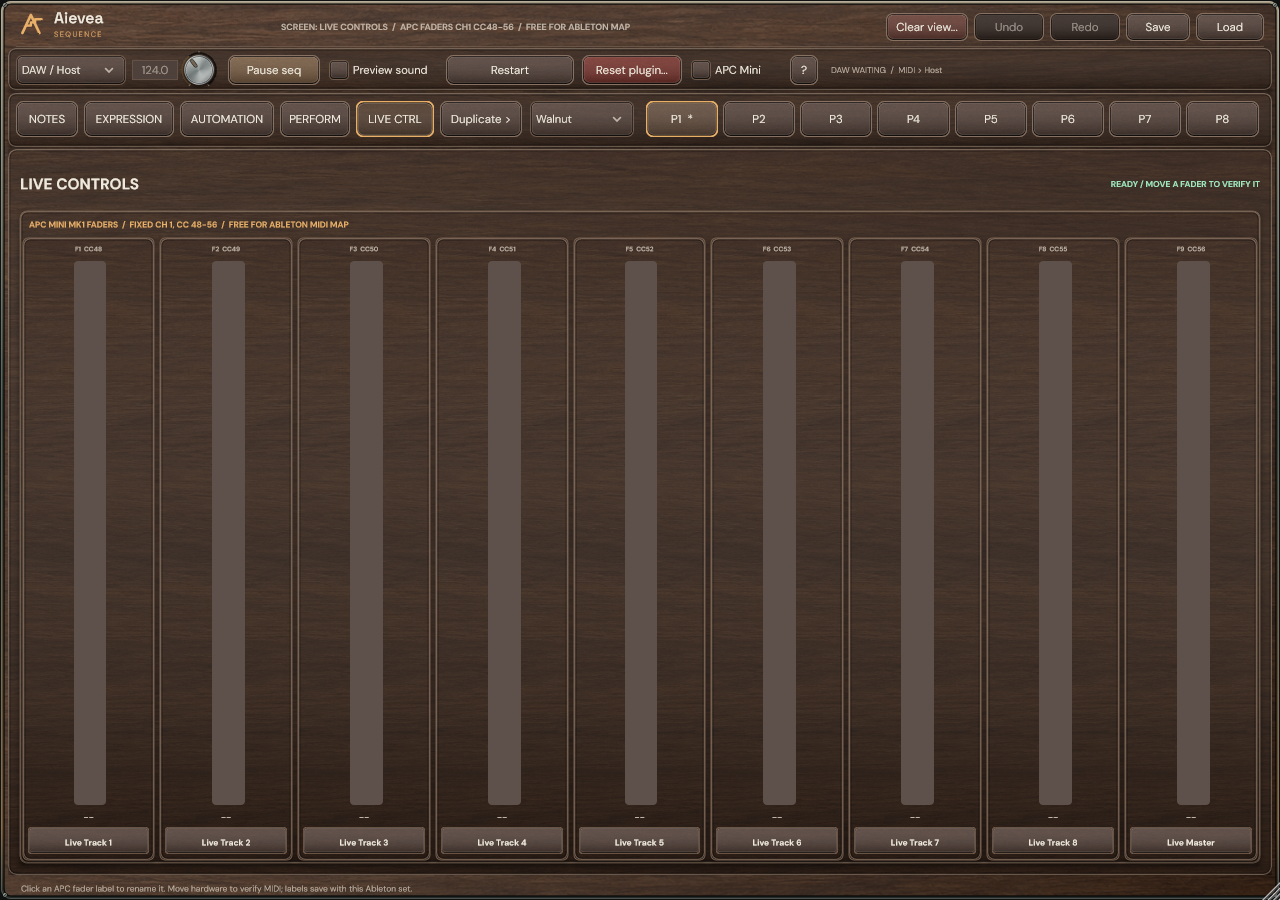
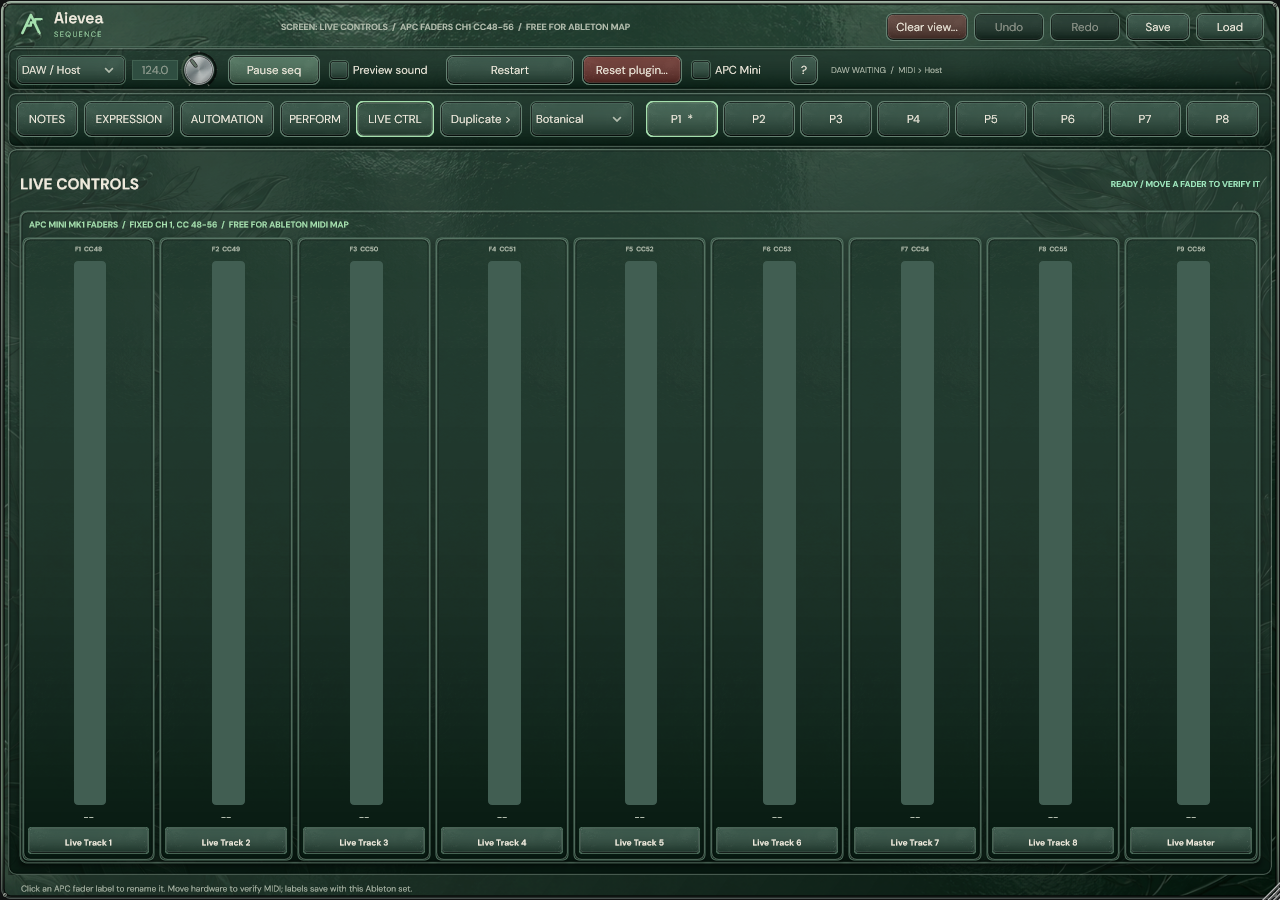
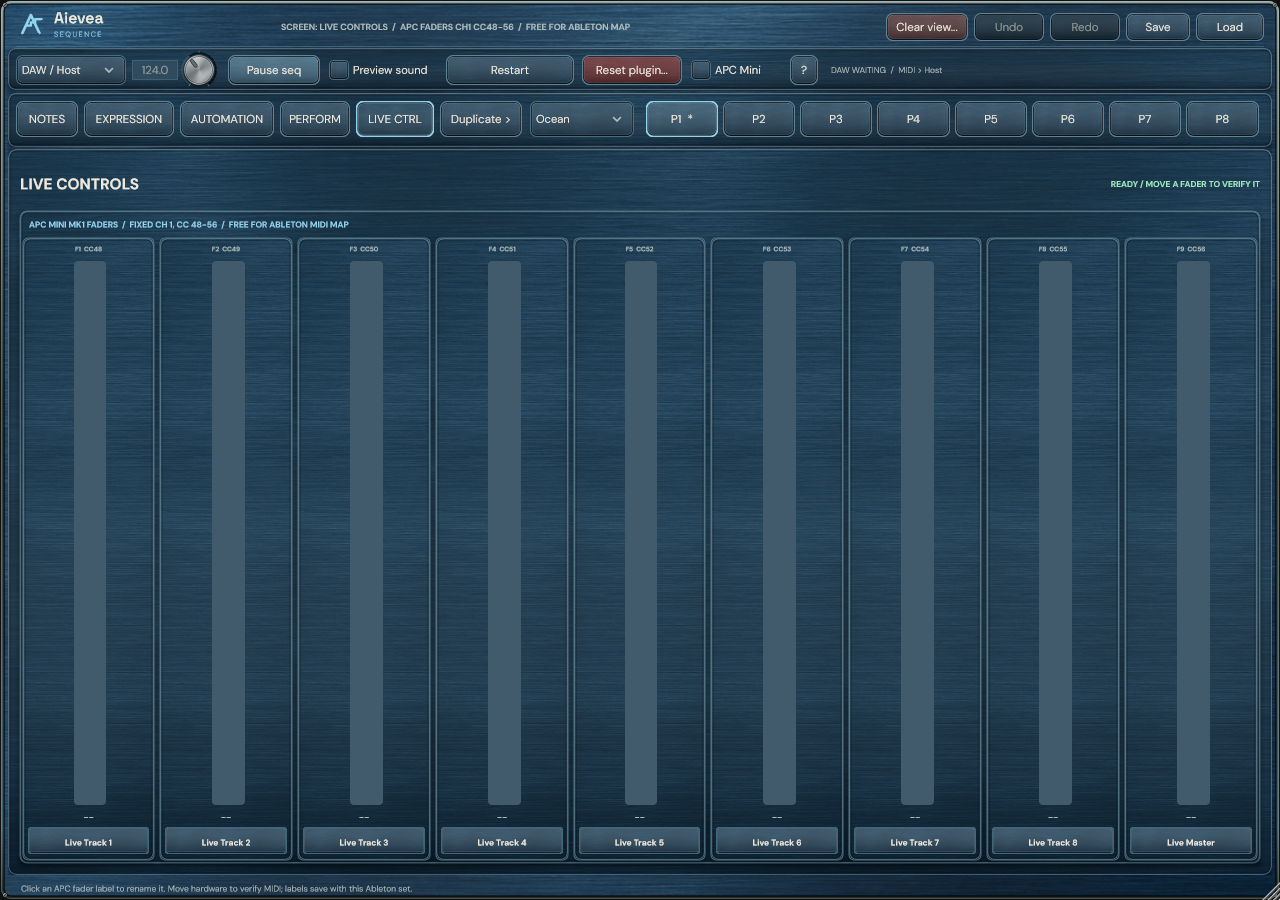
Name the controls
Open LIVE CTRL and click a fader label to name its mapped destination, such as Filter, Decay or Reverb. Labels save with the Ableton project and Aievea Sequence preset and support Undo/Redo.
The monitor shows incoming values. All nine APC Mini faders remain available for Ableton MIDI Map; their labels describe your mapping rather than assigning a parameter automatically.
Map the faders in Ableton
- Leave the APC Mini Control Surface set to None for Aievea Sequence’s dedicated integration, and enable Remote on the APC input for Ableton mapping.
- Enter Live’s MIDI Map mode, select a target parameter and move a fader. Leave Map mode and test its range.
- Move the fader and watch Live and LIVE CTRL. If Aievea Sequence’s monitor does not move, check the APC Mini toggle and its connection status.